Overview
What it does
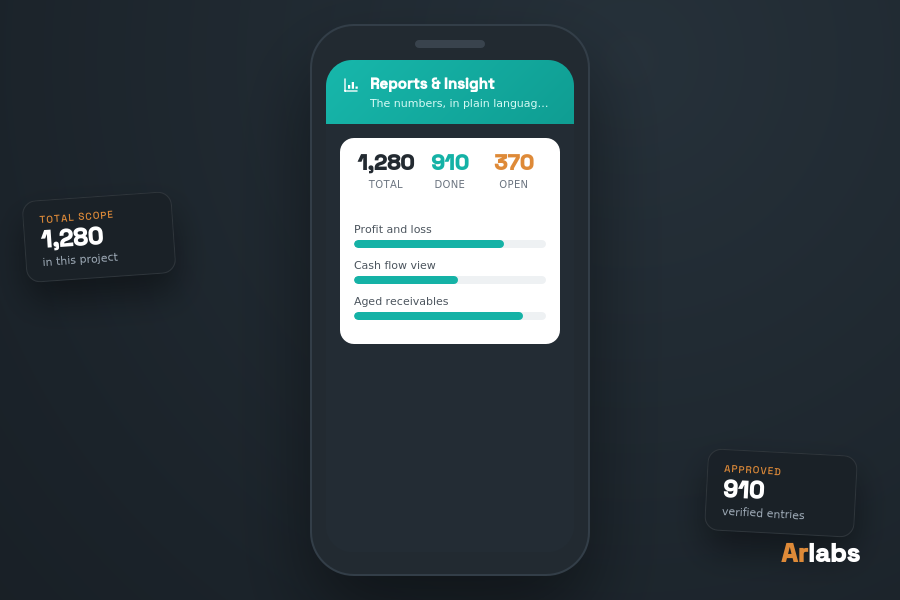
Reports turn the records into the numbers you actually need — profit and loss, cash flow, aged receivables and trends — all exportable to CSV for Excel or your accountant.
Features
Key features
- Profit and loss
- Cash flow view
- Aged receivables
- Sales and cost trends
- Export everything to CSV for Excel
Benefits
- Year-end without untangling a shoebox
- Plain-language reporting
- Everything exports to CSV
How it works
From input to outcome
Step 1
Pick the report and the period.
Step 2
Review the figures on screen.
Step 3
Export to CSV for Excel or your accountant.
Use case
Before meeting an accountant, the owner exports profit and loss and aged receivables to CSV — no untangling required.